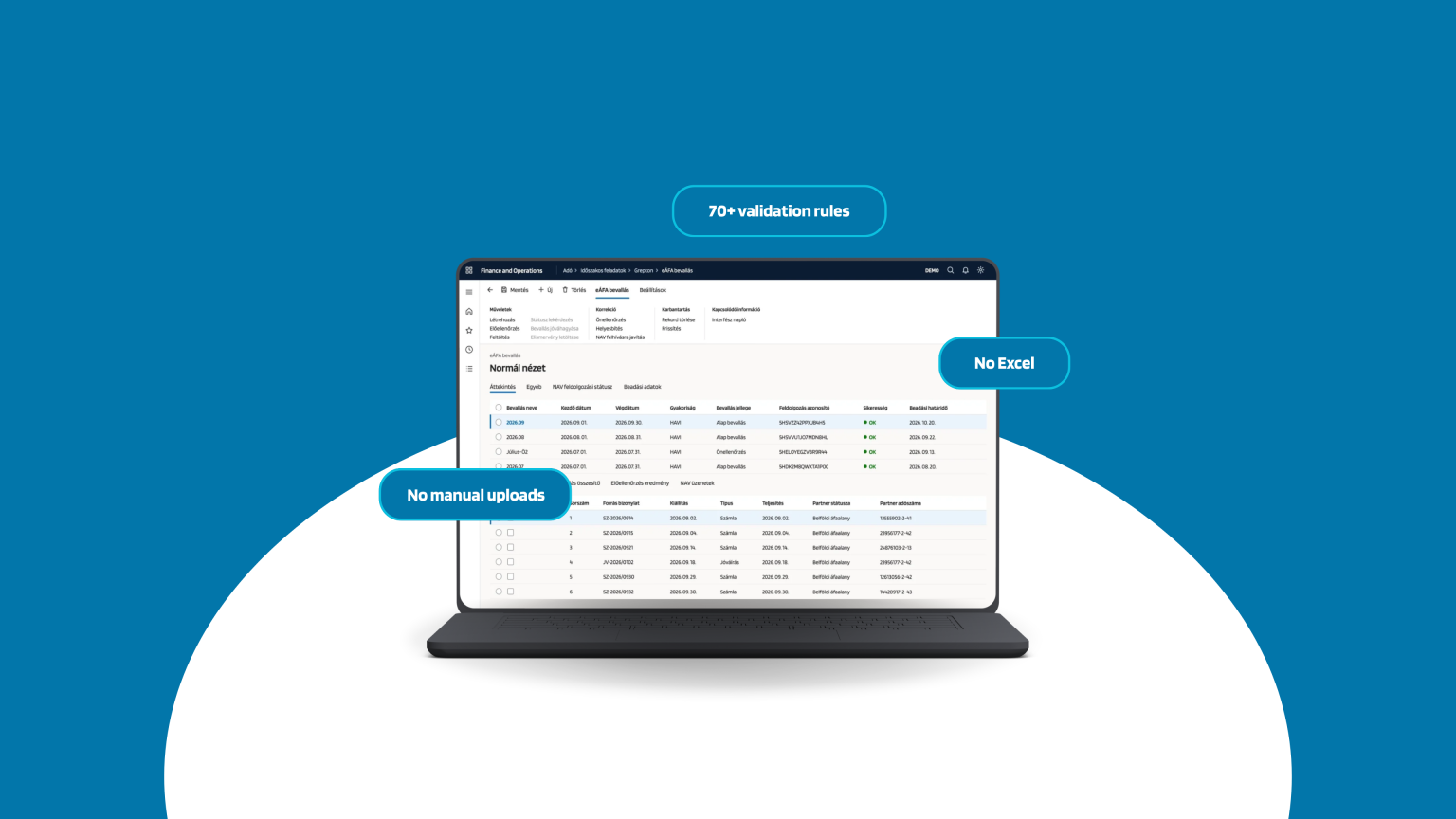
The e-VAT return is no longer a form to fill in, but itemized data reporting: the tax authority (NAV) expects line-level analytics, delivered machine-to-machine. The question is where that happens: in a separate program, from Excel exports and manual uploads, or right where the documents already live. Grepton’s e-VAT module is part of Dynamics, so the document and the return stay in the same system, from bookkeeping all the way to NAV.
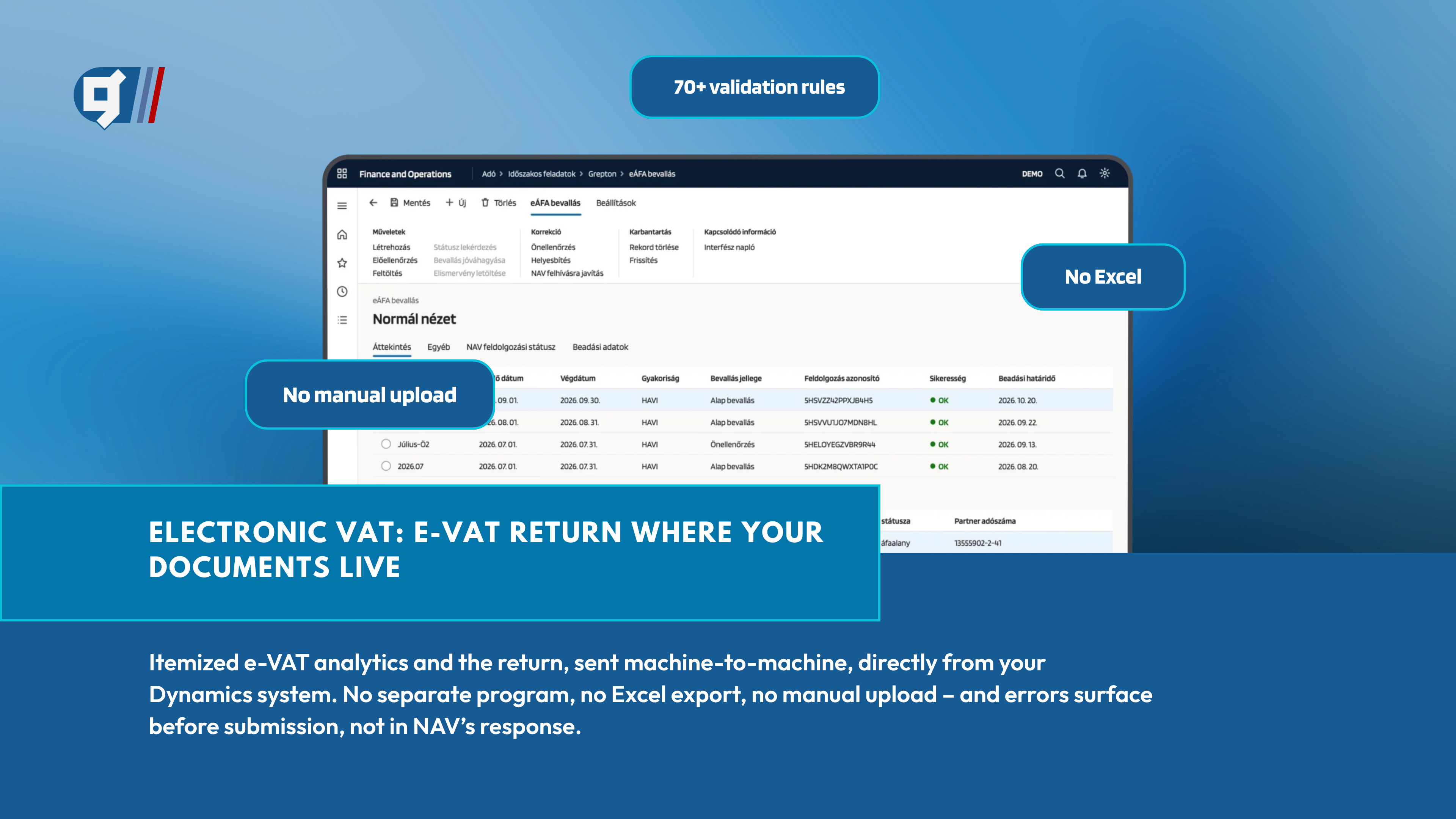
What changes with e-VAT, and what doesn’t?
Using the electronic VAT system is not mandatory for the time being, but NAV’s goal is to gradually phase out ÁNYK technology. Those who prepare in advance will not be forced to switch under the pressure of a later deadline, but can do so at their own pace, with test returns.
Submitting the line-item eVAT analytics replaces filing the 65 VAT return via ÁNYK and also exempts you from the M-sheet data reporting. In practice, the rule itself is not the hard part. What is hard is how many points the data’s path breaks at between the books and NAV.
Sound familiar?
Moving to e-VAT raises the same questions in most finance organizations:
- a separate program and a separate login for the return,
- Excel-export és kézi feltöltés,
- errors that only surface in NAV’s response,
- double records in the ERP and in the filing program,
- a recommendation to replace the system because of an older AX version.
Double records are the hardest of these to manage. If the return is assembled in another system, the ERP’s records and the analytics held at NAV can drift apart over time. That has to be explained after the fact during an audit, and the return alone is not enough: you have to be able to find the specific documents too.
One system, one dataset: no middle layer
Grepton’s e-VAT module works in the same menu and on the same document data as bookkeeping. Corrections are not made in an intermediate system but always on the original document, so the ERP’s records and the analytics at NAV stay consistent.
Az eÁFA-analitika a könyvelt bizonylatokból épül fel, és minden sor mögött ott a konkrét számla, egy kattintással visszakereshetően. A bevallás nem különálló táblázat vagy folyamat, hanem a könyvelés természetes folytatása: nincs külön program, nincs Excel, nincs kézi feltöltés, és nem kell új rendszert megtanulni.
How does the monthly close work?
The module follows the order of the real workflow: the first step is a one-time setup, and the rest is part of the monthly close. The demo video at the end of this article walks through it in the same order, from the initial setup to the correction returns.
Errors surface before submission, not in NAV’s response
This is the module’s most important practical difference. Before the return is finalized, more than seventy rules run across six categories. Errors and warnings are flagged separately, and from the list one click opens the faulty analytics item and then the original document. After the fix, the return can be regenerated and the pre-check run again.
This way you do not learn from NAV’s feedback that something is wrong, and you do not have to fix the same error a second time in an intermediate system. ou can see this in the video at the end of the article, from 1:22.
What do you gain by switching to e-VAT?
Not just for Dynamics 365
Companies on older Dynamics AX versions are often told that compliance requires replacing their system. Grepton’s e-VAT module is a working solution used in live environments: the same module, adapted by version, is available for Dynamics 365 as well as AX 4.0, AX 2009 and AX 2012 R3, tested end to end with NAV’s system. The core functions are available on every version: downloading and updating the NAV tax code catalog, mapping to your own VAT codes, uploading the VAT analytics, querying the processing result, storing error messages, and finalizing. On Dynamics 365 Finance & Operations, appendix sheets (forms 4, 7, 8 and 170) and legal-predecessor handling are available as well.
In practice, it is not only the basic cases that need handling. Self-revision, rectification, corrections following a NAV request, calculation of the self-revision surcharge, transfer requests and the sheets related to reverse charge are all handled in the same system and in the same process.
Who should take a look?
- Finance and tax leaders, who are responsible for the monthly VAT close and the correctness of the return, and for whom verifiability and traceability are basic requirements.
- IT leaders and ERP owners, who do not want to operate, provision access for and audit yet another application.
- Companies on an older AX version, who are being advised to migrate, but for whom a system change is currently not justified or not realistic.
- Hungarian subsidiaries of international groups, where the global Dynamics system needs Hungarian tax compliance and local support.
See it in action
The easiest way to understand all of this is to see it. In about three minutes, the video walks through the full process of a monthly VAT close: the initial setup and mapping, the return built from documents, the pre-submission check and error fixing, and then machine-to-machine submission and correction returns. The recording was made from real system footage and anonymized test data.
The video shows how the module works, but it only becomes tangible on your own system: with your data, your VAT codes and your documents. That is why, at a live demo, we do not show a generic example but walk through a slice of your own VAT close.
Let’s walk through your VAT close
We will show how the e-VAT return is prepared in your own Dynamics system, from setup all the way to submission. We show a working solution, not just a presentation.
Learn more and book a live demo: https://grepton.hu/en/e-vat-module-dynamics-ax-365-grepton/